
Permalink Manager 2.4 released: Shop URLs, breadcrumbs and more
I’m pleased to announce the release of Premmerce Permalink Manager for WooCommerce 2.4. 🎉
Permalink Manager 2.4 can put your shop page in front of every category and product URL, makes breadcrumbs follow the same category as the product URL, and fixes category URLs on multilingual stores running Polylang. Every release now runs an automated test suite on PHP 7.4, 8.1 and 8.3 before it ships.
Let’s get into it!
Shop URLs with “Include Shop”
Permalink Manager is mostly used to take things out of WooCommerce URLs: the “product” and “product-category” bases. Some stores want the opposite: every category and product sitting under the shop, so the URL matches the store’s structure and its breadcrumbs. A store owner asked for exactly that, so version 2.4 adds an “Include Shop” setting.
With your categories set to “Full category path” and products to “Full product path”, a category and a product in it look like this:
/clothing/hoodies/
/clothing/hoodies/hoodie-with-logo/
Tick Include Shop and they become:
/shop/clothing/hoodies/
/shop/clothing/hoodies/hoodie-with-logo/
You’ll find it under Premmerce > Permalink Manager, in the Additional section. It uses your shop page’s path, so if your shop page is called “store”, URLs start with /store/ instead.
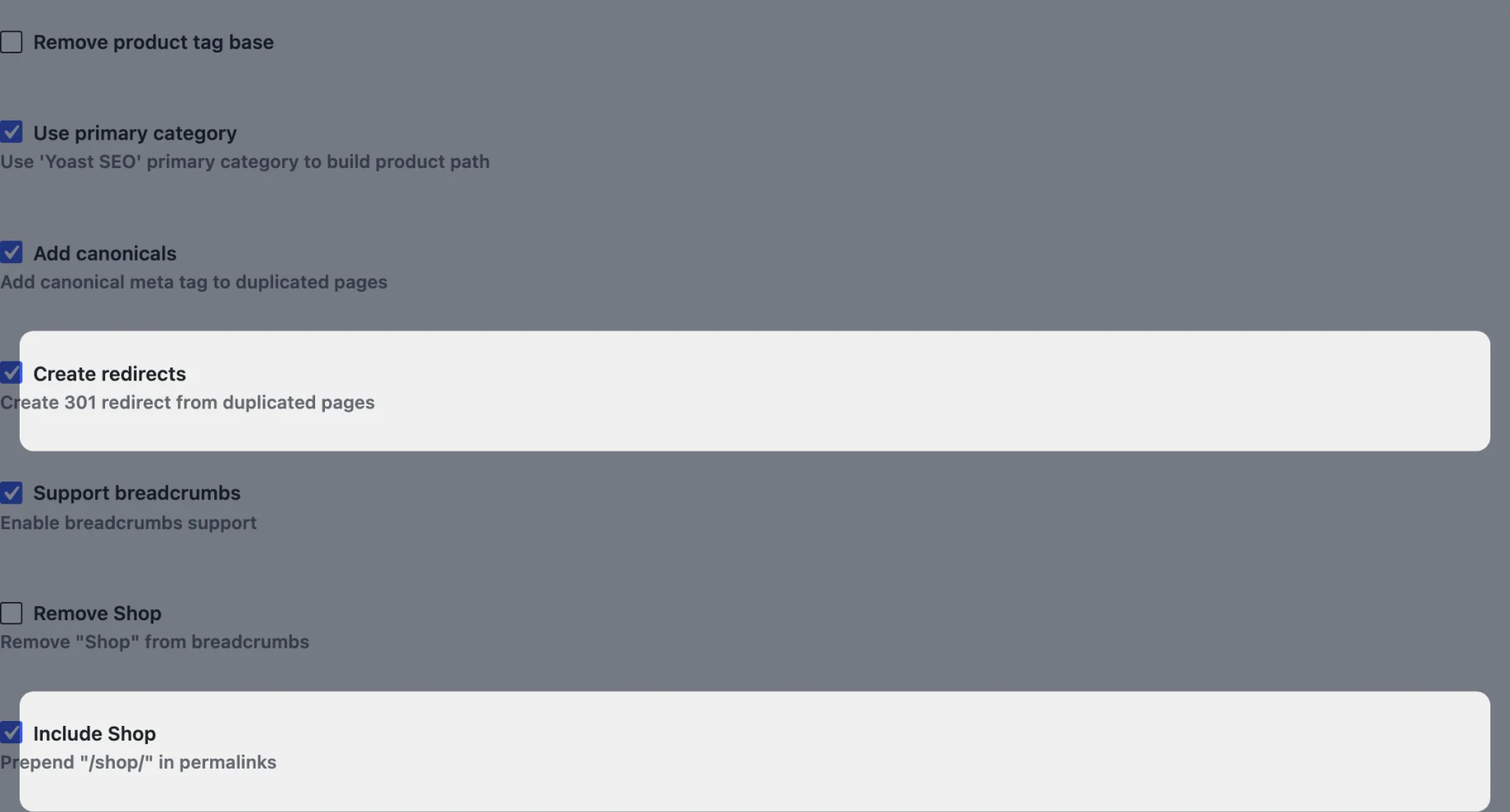
If your store already has traffic, tick Create redirects too. Then the old URLs get a 301 redirect to the new ones, so links and search results keep working. Without it, the old category URLs return a 404. Creating 301 redirects for your product URLs explains how the redirects work.
“Include Shop” and “Create redirects” are part of Permalink Manager Premium.
Breadcrumbs that match the product URL
A product in more than one category gets one of them in its URL, and with “Use primary category” on, that’s the primary category you pick in Yoast SEO. The breadcrumbs, though, picked a category of their own. A product could live at /clothing/hoodies/hoodie-with-logo/ while its breadcrumb trail said Home > Shop > Sale. A store owner using Yoast’s primary category reported it, and it’s confusing for shoppers and search engines alike.
In 2.4, with “Support breadcrumbs” on, product breadcrumbs use the same category as the product URL, including the Yoast primary category. That covers both WooCommerce’s breadcrumbs and Yoast SEO’s. We also fixed a trail that could appear twice when a page built its breadcrumbs more than once.
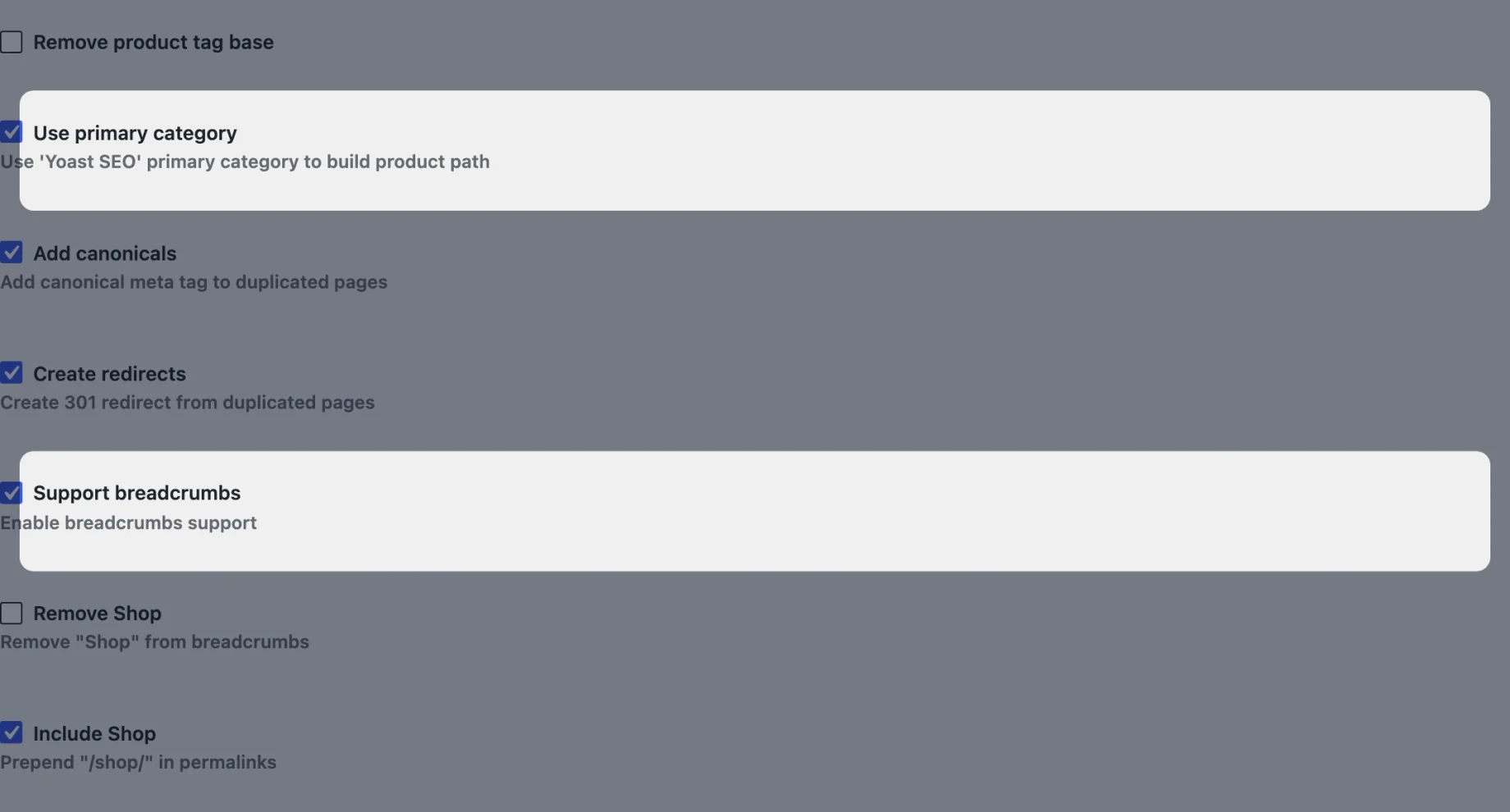
Both settings are under Premmerce > Permalink Manager, in the Additional section. “Support breadcrumbs” is a premium setting. For more on the Yoast settings, see Using Permalink Manager with Yoast.
Category URLs in every language with Polylang
On stores running Polylang, category URLs could 404 in every language but one. When permalinks were rebuilt, the plugin only saw the categories in the language active at that moment, say after saving Settings > Permalinks with French picked in the admin bar. The other languages’ categories stayed broken until permalinks were rebuilt again.
Version 2.4 builds category URLs for every language, whichever language is active when permalinks are rebuilt. This fix is in the free version.
Category pagination works under a language prefix too, including Polylang Pro’s translated pagination base. If Polylang Pro translates “page” to “pagina” for Dutch, then /nl/kleding/pagina/2/ now loads page 2 instead of returning a 404.
And more
Version 2.4 also fixes:
- New category and tag URLs work as soon as you save the settings, instead of returning a 404 until permalinks were rebuilt
- Product links no longer break when WooCommerce’s product base is
/%product_cat%/ - REST API routes that end in a product slug are no longer treated as product pages
- Product pages keep query vars passed in the query string
It follows three September releases. 2.3.14 stopped the plugin emptying object caches such as Redis every time permalinks were rebuilt, and fixed PHP 8.1+ deprecation notices. 2.3.15 fixed a 2.3.14 bug that reset the plugin’s settings when the settings screen was saved: if you saved it on 2.3.14, check your settings are still the way you want them. 2.3.16 includes a security fix, so please update.
For the full list, see the changelog. If you’re planning your store’s URLs, What is the best permalink structure for WooCommerce? walks through the options.
Next up
Next we’re working on more fixes for the issues you’ve reported: URL suffixes such as .html working with feeds and review pages, permalink rebuilds that leave your object cache alone entirely, a product that loads under a category it isn’t in, and Polylang Pro’s translated pagination in canonical URLs.
Update to 2.4 from your Plugins screen, or get Permalink Manager free on WordPress.org. What would you like to see in the plugin next? Let us know in the comments.
Premmerce Permalink Manager for WooCommerce
Get started controlling your WooCommerce product permalinks to increase site usability and SEO performance.
Comments

Ready to Get Started?
Join over 100,000 smart shop owners who use Premmerce plugins to power their WooCommerce stores.
Get started